Learn SeatPlan.ioSeating guestsLesson 9 of 13
See your plan in 3D
Check the room before the day. The 3D view builds your plan with every guest in their seat.
Paid plansBetaPart of every paid plan, starting with Pro. The 3D view is a beta, so it is still changing. See plans
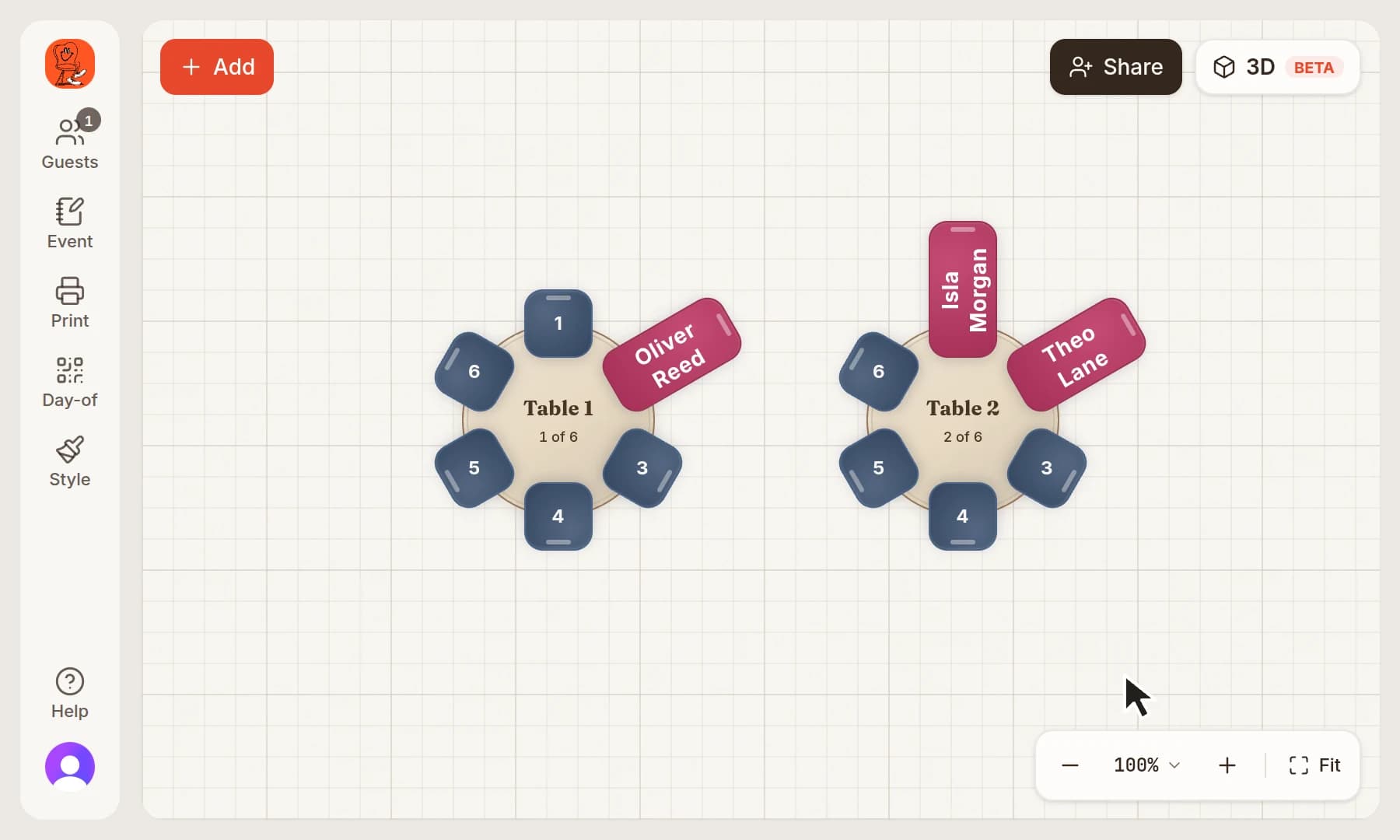
Click 3D
Click 3D at the top right of the plan. It's marked Beta.
Look around
Drag empty floor to turn the room. Every table, chair and seated guest is where your plan puts them.
Good to know
- Overview and Plan at the bottom switch the camera angle.
- In 3D you can still drag a table to move it, or drag a guest onto a seat.
- Click 2D to go back to the flat plan.
Keep going
Try it on your own plan
You can build your whole plan in the free designer, then choose a plan when you need this step.