New · Guest Photos
The wedding photo sharing app your guests never download.
Guests scan the QR code on their table to find their seat, then tap Share your photos. No app to install, no account to make. Every photo and video lands in one album, filed under the guest who took it.
- No app, no account for guests
- Photos and 60-second videos
- Paid once, no subscription
Grace & Tom’s wedding
Priya Raman
You are seated at
Table 6
Also seated here
Chidi Obi
Harriet Lane
Share your photos and videos
Grace & Tom’s wedding
Find your seat
Scan, find your name, then share your photos with us.
The photos you never see
The best photos of your wedding are on 150 phones.
Your photographer covers the vows and the portraits. The rest of the night belongs to your guests: the first dance from the third row, your grandmother on the dance floor, the speech that went sideways. It ends up in camera rolls and group chats. Everyone means to send them. Most never do.
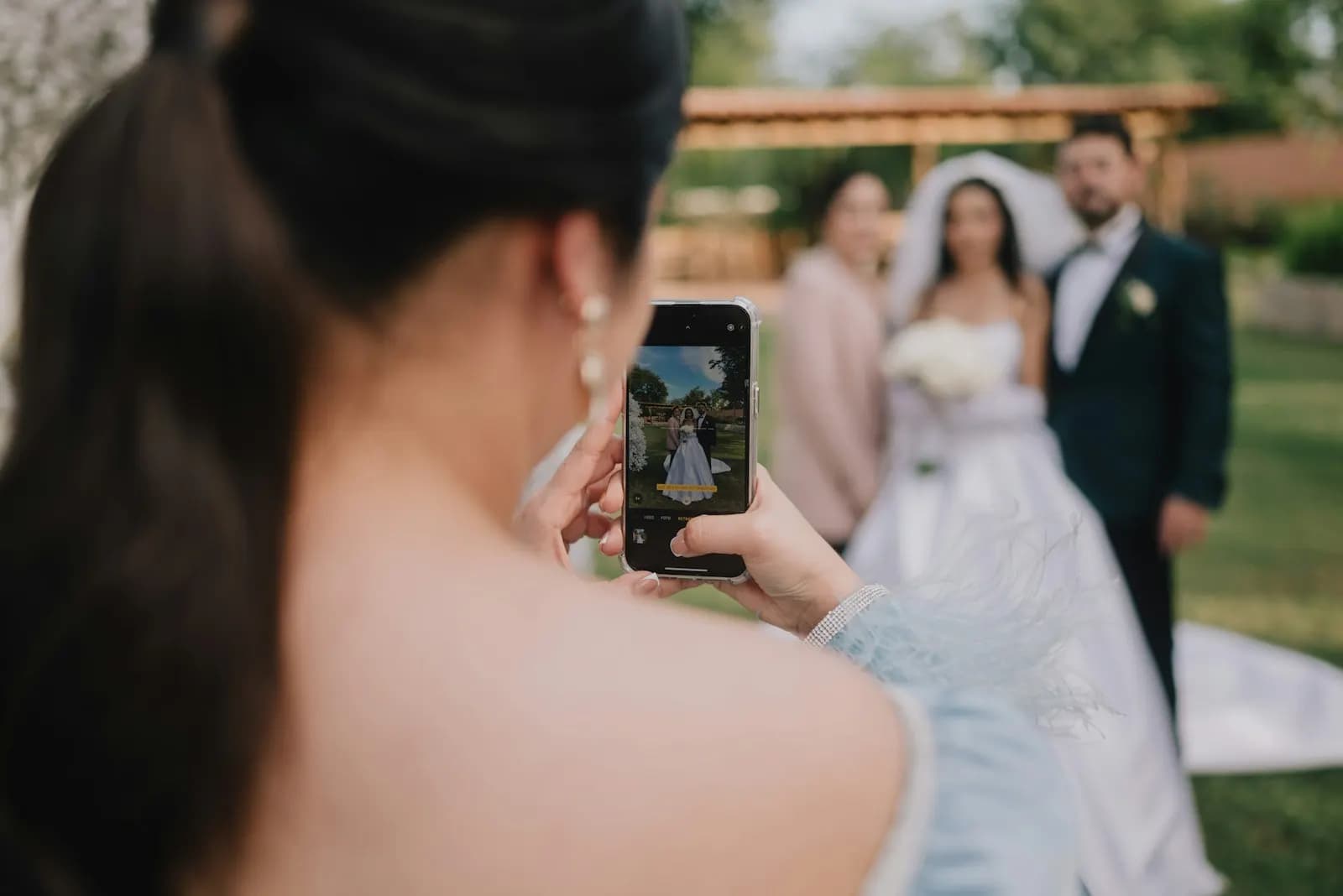
On Mateo Alvarez’s phone

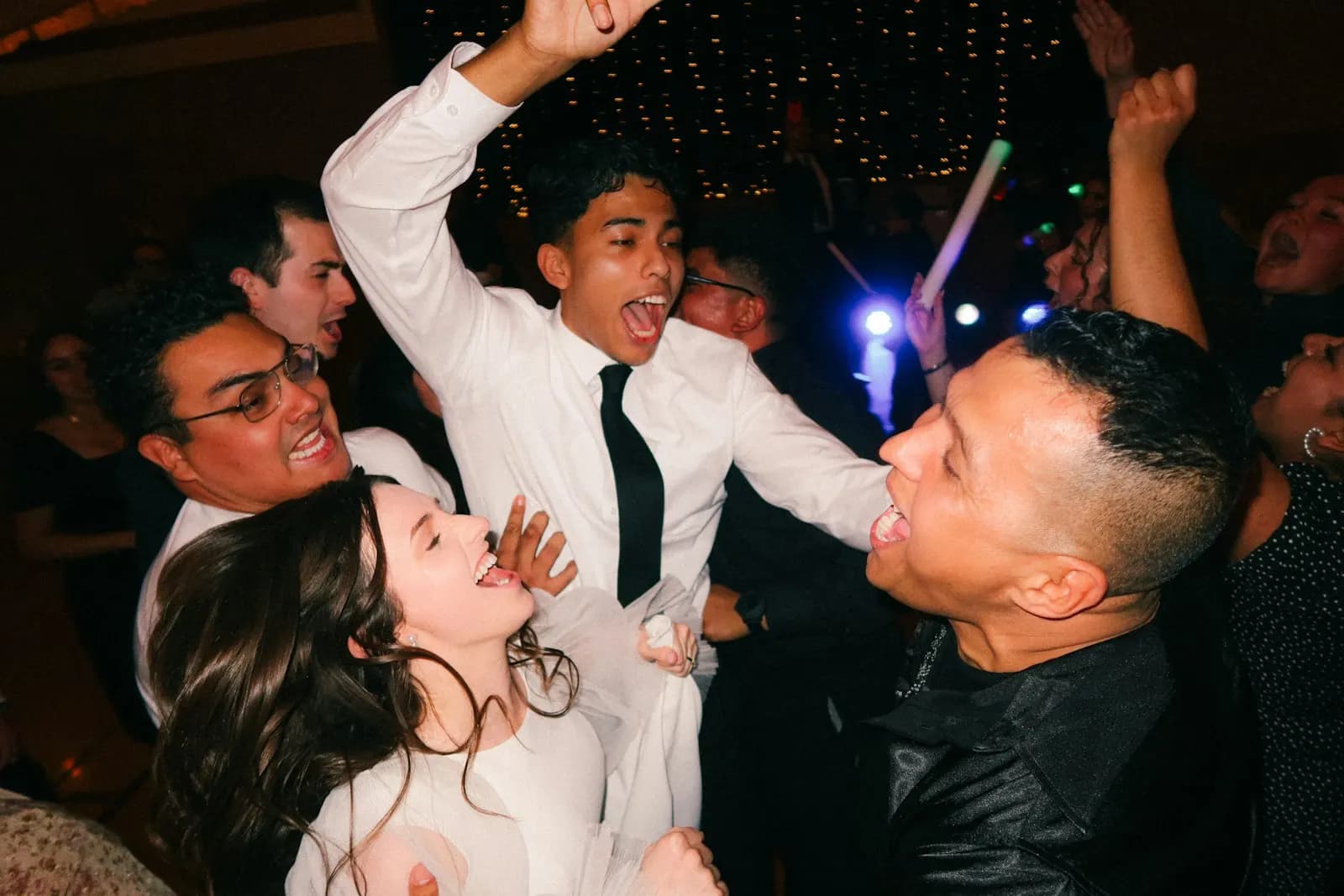
In a group chat you’re not in

Still on Daniel Brooks’s phone, a year later
Ask while the phone is still in their hand.
The page that told each guest their seat now has a Share your photos button. They upload on the night, while the moment is still on their screen. You wake up the next morning to one album.
How it works
Wedding QR code photo sharing, on the QR they already scan.
On Collaborate, your SeatPlan seating chart comes with a QR code that finds each guest their seat. Guest Photos adds one button to the page it opens.

seatplan.io
1They scan the QR on their table
It is the same QR code that finds their seat, printed on every table or once on your welcome sign. Their phone camera opens it in the browser.
Grace & Tom’s wedding
Find your seat
Your name
Priya
Select your name
Priya Raman
Table 6
Priya Shah
Table 9
2They pick their name
A few letters and they choose themselves from your guest list, the same search that shows their table. From then on, everything they share is filed under their name.
Grace & Tom’s wedding
Photos and videos
Uploading as Priya Raman, Table 6. Not you?
Add photos and videos
Videos can be up to 60 seconds. The host checks each one before it is shared.
 Uploading 72%
 Uploading 38%
- Waiting…
3They tap Share your photos
Photos and videos up to 60 seconds go straight into your album, between courses or from the dance floor. No app, no account, no sign-up form.
Your album
Every wedding guest photo, filed by who took it.
- Every guest who shared, by name, with their table and how much they sent.
- Filter by table to find the speeches, or open one guest to see everything they took.
- New uploads wait for you. Approve the ones you love and every guest can see them.
Seating chart
Guest photos
Grace & Tom’s wedding
Online until Jun 13, 2027
- Everyone1466 waiting
- Chidi Obi34Table 6Name lookup2 waiting
- Harriet Lane27Table 6Personal link
- Samuel Mensah23Table 2Name lookup
- Lucía Fernández19Table 9Personal link1 waiting
- Priya Raman18Table 6Name lookup3 waiting
- Ben Carter14Table 1Name lookup
- Aisha Rahman11Table 4Name lookup
Chidi Obi
Table 6Name lookup34 items · 2 waiting
 0:42
0:42- Waiting
 Waiting
Harriet Lane
Table 6Personal link27 items




You stay in control
No one else sees a photo until you approve it.
Guests see their own uploads and your picks
Every other photo stays with you until you approve it.
You see everything
Approve, unpublish, download or remove any photo or video, at any time.
Location data stripped
GPS and camera details are removed from every photo and video before it reaches your album.
Stored privately
Files sit in private storage. Guests and hosts only get short-lived links to them.
Pause uploads any time
Close the album to new uploads when you like. Guests can still see what you shared.
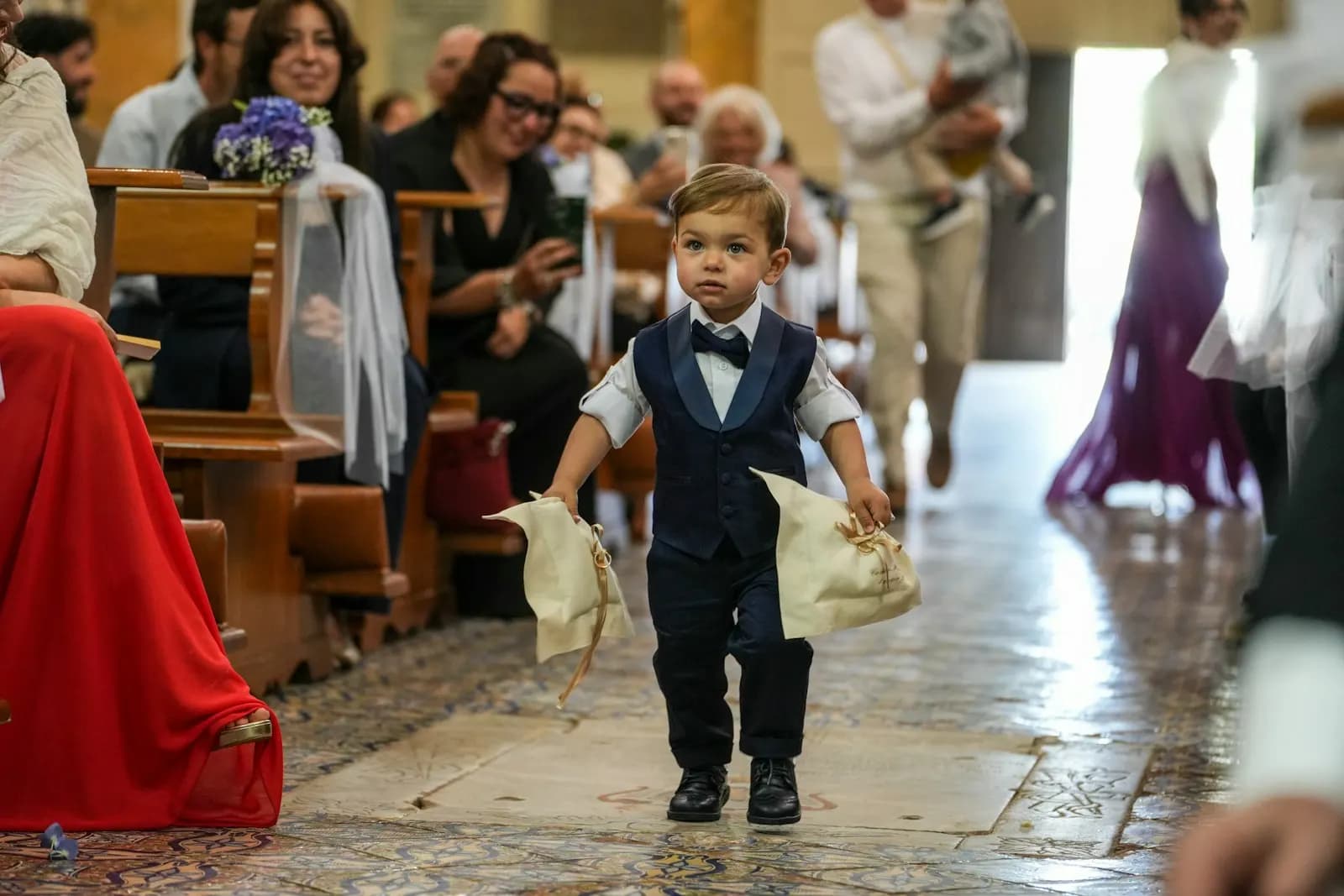
Lucía Fernández
Taken Jun 13, 2026, 9:42 PM · Waiting
Pricing
One price, paid once. No subscription.
Pay once for the chart, not per guest or per photo. Try it before the day: your first 10 uploads do not start the clock.
Guest Photos
$40once, per seating chart
Added to a Collaborate chart. Collaborate is $14, also paid once.
- 12 months of hosting, starting at the 11th upload. Your first 10 are for testing.
- Room for 5,000 photos and 500 videos.
- Videos up to 60 seconds. Photos up to 25 MB.
- 30 days to download what you want to keep after hosting ends.
- No app and no account for your guests.
Event Managers pay $30 per event and can give their client a magic link to the album.
Not just weddings
If they have a seat, they can share the night.
Anything with a SeatPlan seating chart and a QR on the tables can have an album: birthdays, christenings, galas and the events you plan for clients.

Birthdays, anniversaries, christenings
The 40th, the ruby wedding, the family day. Every guest’s photos in one album instead of three group chats.

Galas and awards dinners
Filter the album by table and find every photo from the sponsors’ table without asking around.
For planners and venues
Give your client the album, not a login.
Event Manager adds Guest Photos to any event at a lower price per event. Send your client a magic link and they can view, download, approve and remove photos with no account.
FAQ
Wedding photo sharing, answered.
Do our guests need to download an app?
No. Guests scan the QR code on their table with their phone camera, find their seat and tap Share your photos and videos. It all happens in the phone’s browser, with no app to install and no account to make. It is the same QR code as your seat finder, so there is nothing extra to print.
How do we know who took each photo?
Guests pick their name from your guest list when they find their seat, so every photo and video is filed under the guest who sent it, with their table. In your album you can open one guest’s uploads or filter by table.
Can guests upload videos?
Yes. Videos up to 60 seconds and 300 MB each, and photos up to 25 MB. One album holds up to 5,000 photos and 500 videos.
What if someone uploads a photo we don’t want shared?
It stays with you. Every upload waits in your album until you approve it, and other guests only see what you approve. You can unpublish or remove anything at any time, and pause uploads whenever you like.
Is it private?
Yes. Location data is stripped from every photo and video. Files are stored privately, and guests and hosts only get short-lived links to them. Each guest sees their own uploads and the photos you approve.
How long is the album online?
12 months from the 11th upload. Your first 10 uploads are for testing, so you can try it before the day without starting the clock. When hosting ends you have 30 days to download what you want to keep, then the album is deleted. The QR on your tables keeps working for photos even after your seating chart’s own access ends.
How much does it cost?
$40, £40 or €40 once per seating chart, depending on your currency. There is no subscription. Guest Photos is added to a Collaborate chart, which is also paid once.
We plan events for clients. Can they use it?
Yes. On Event Manager, Guest Photos is $30, £30 or €30 per event. Send your client a magic link and they can view, download, approve and remove photos without making an account.

Every photo from the day, in one album.
Build your seating chart free. Add Guest Photos when you are ready, and test it with your first 10 uploads.
Start your seating chart