Learn SeatPlan.ioSharing and the day itselfLesson 12 of 13
Print your chart, guest list and place cards
The chart you made also prints as the sign at the door, the list for the caterer and a card for every place.
Paid plansPart of every paid plan, starting with Pro. See plans

Open Print
Click Print in the bar on the left.
Choose a file
Click Seating chart PDF. The Print & download window opens.
Switch between files
Pick Seating chart, Guest list or Place cards at the top of the window. The options below change to match.
Download
Set the paper size, then click Download PDF.
Good to know
- A Guest list can also download as Excel.
- Email me the files builds the files and emails them to you.
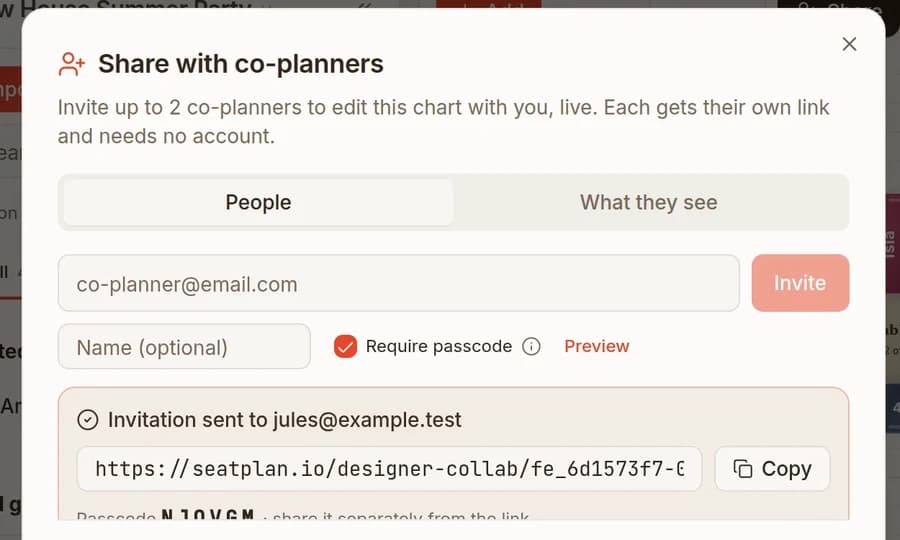
- Print & download in the Share window opens the same files.
Keep going
Try it on your own plan
You can build your whole plan in the free designer, then choose a plan when you need this step.