Learn SeatPlan.ioSharing and the day itselfLesson 11 of 13
Go back to an earlier version
A reshuffle went wrong, or a co-planner changed more than you wanted. Time Machine puts an earlier version back.
Paid plansPart of every paid plan, starting with Pro. See plans
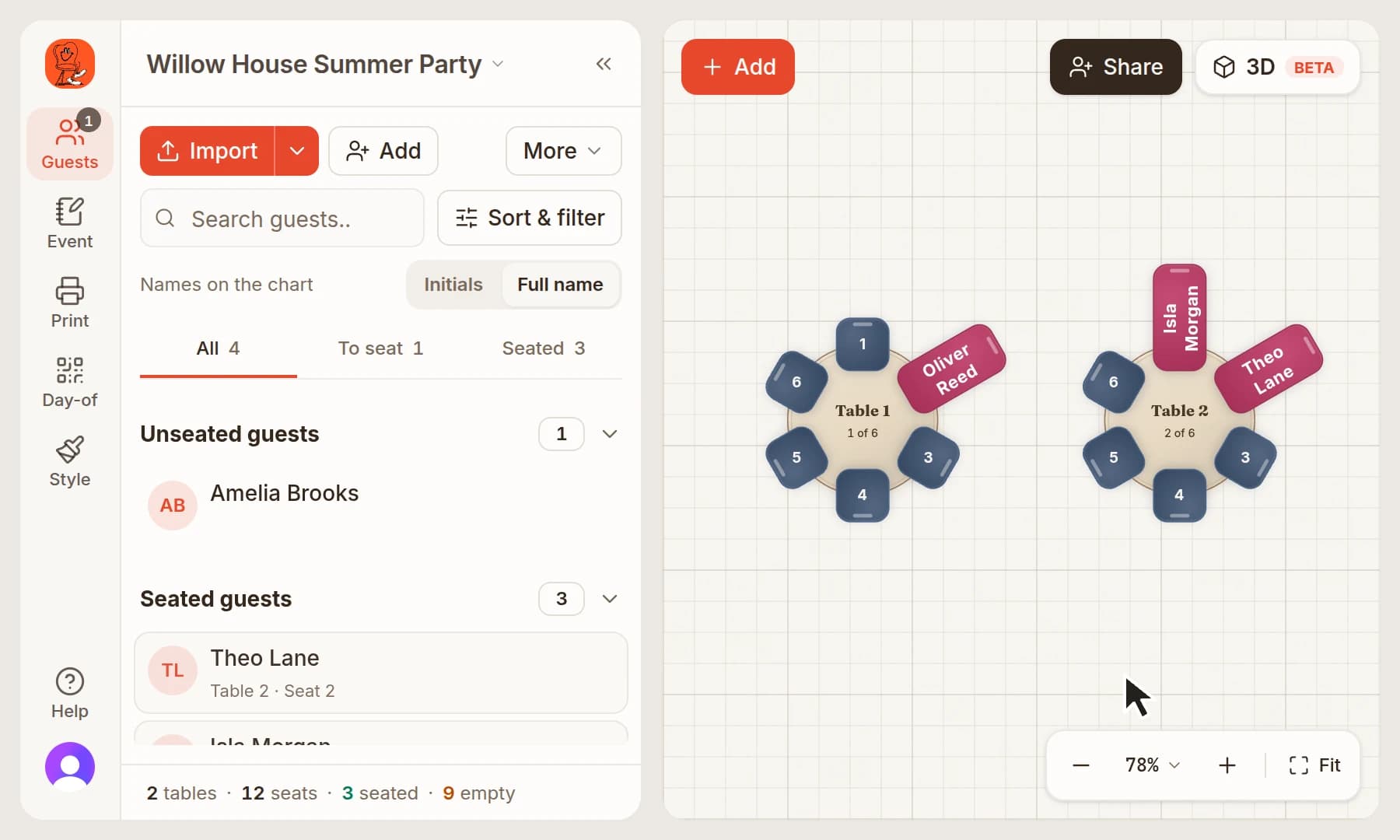
Open Event
Click Event in the bar on the left.
Open Version history
Click Version history. The Time Machine window lists your saved versions, newest first.
Pick a version
Each version shows when it was saved and how many tables and guests it had. Click Restore on the one you want.
Confirm
Click Restore Version. The chart goes back to how it was in that version.
Keep going
Try it on your own plan
You can build your whole plan in the free designer, then choose a plan when you need this step.