seatplan.io
Loverly partners with SeatPlan.io for wedding seating
Couples on Loverly Premium open their confirmed guest list in SeatPlan.io with one click. Each seated guest's table and seat number shows back in Loverly.
See seating on Loverly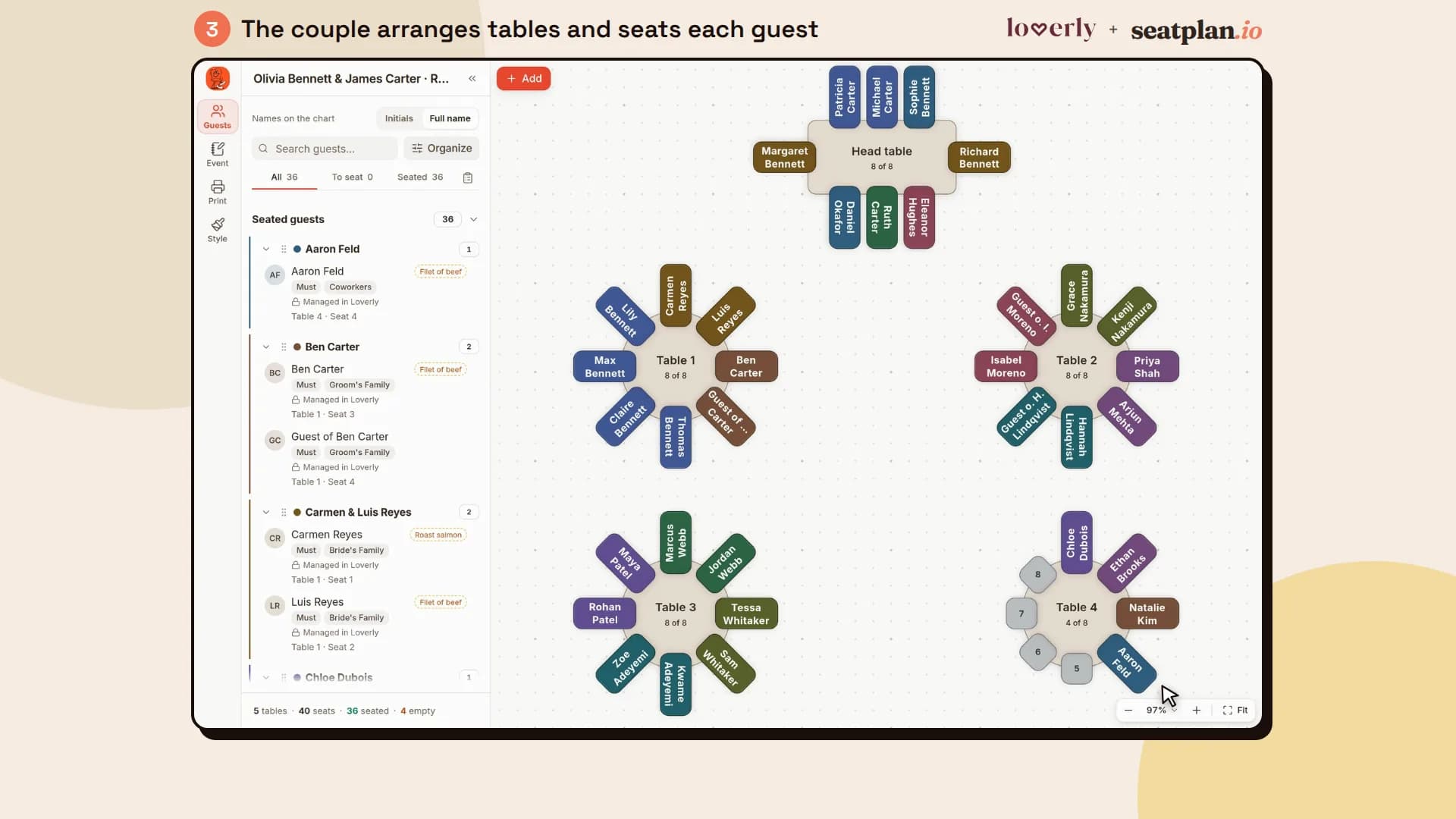
One guest list, with contact details kept private
Guests are added and edited in Loverly only. Contact details never leave Loverly.
Sent to SeatPlan.io
- Guest name and household
- Meal choice, dietary needs and list labels
- Couple's names, event name and date to label the chart
Kept private in Loverly
- Email addresses
- Phone numbers
- Addresses
- Guest notes
Add seating charts to your platform
Loverly's seating runs on the SeatPlan.io Partner API. Other platforms can use the same API to add seating charts for their users.
Contact usCommon questions
How do couples open SeatPlan.io?
With Loverly Premium, start from the Seating tab in the Guests tool. The planner opens in its own window with no SeatPlan.io account or file import.
What happens when RSVPs change?
Guests who RSVP yes arrive unseated, with unnamed plus-ones grouped with their host. Guests who decline leave the chart.
How many events and guests fit?
Each wedding event has its own chart, holding up to 2,000 guests.
Start planning your seating chart
Open SeatPlan.io from the Seating tab in Loverly, or start a chart directly on SeatPlan.io.
Start a seating chart